
The MantraStream positive affirmation app turns a few goals into an audio stream. Set a focus like confidence or calm, press play, and listen to short spoken affirmations shaped around it. Start with the free daily allowance and no card. Upgrade only if you want the higher-limit AI voice stream.
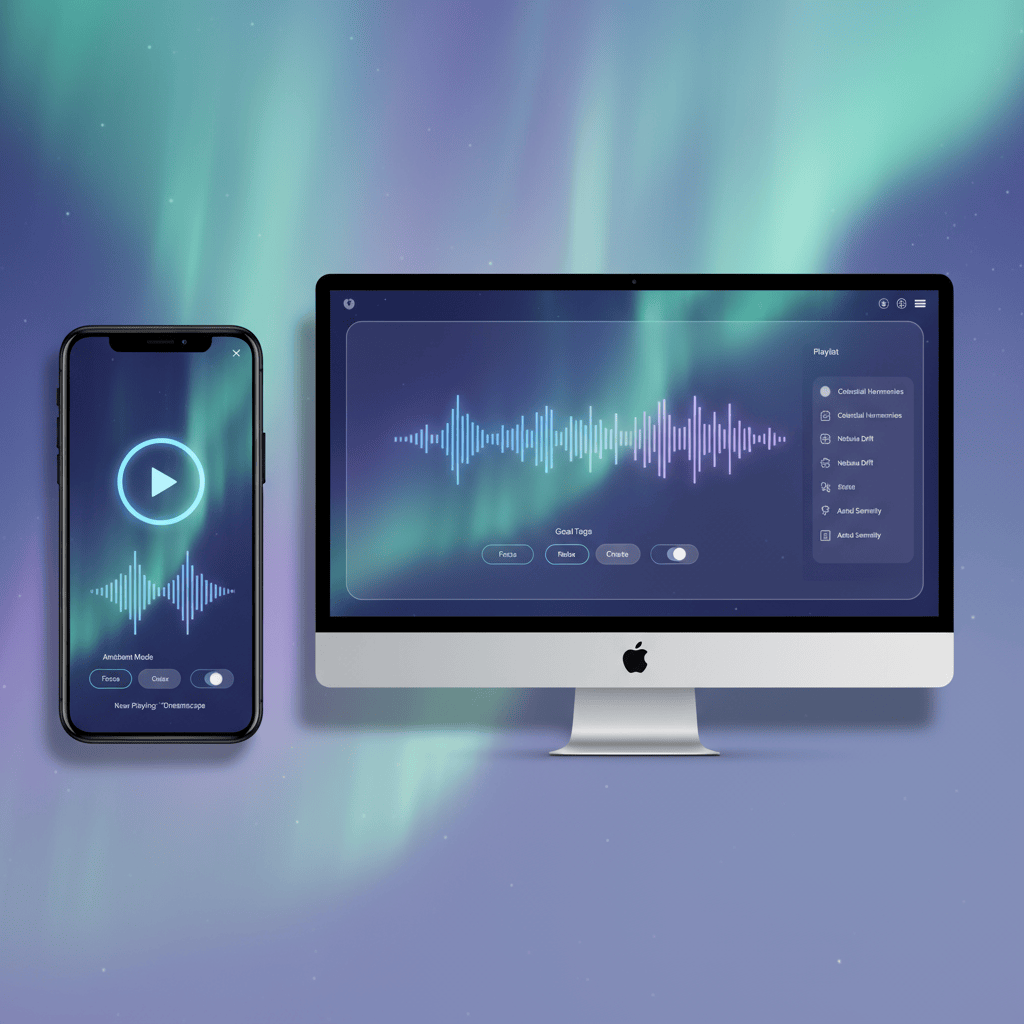
Why use a positive affirmation app?
- Personalized lines reflect the goals that you provide.
- Four English voice options provide different listening choices.
- Some recently played affirmations can remain available for limited offline listening. 🔁
- Optional Focus, Relax, and Sleep sound modes can be changed while listening.
- Related guides make it easy to explore a new theme next.
- The player nudges reflection without overwhelming you.
- Works like multiple apps for positive self affirmations in one dashboard.
How MantraStream flows
Start on desktop or mobile, select a preset, and adjust the positive affirmation app as your priorities change. You’ll hear supportive phrasing and practical prompts shaped by the goals you entered. Use it as your daily positive affirmations app in the morning or later in the day by changing goals, theme, tone, pace, or sound mode.
Favorite ways to listen
- Keep the stream running while organizing tasks.
- Pair playback with journaling or mindfulness check-ins.
- Share a link with a friend who loves audio affirmations. 🎧
- Keep a separate note of lines you want to remember; the player does not store favorites or schedule reminders.
MantraStream serves supportive prompts and is not medical, mental health, or financial advice.
Explore related libraries
- Grab motivation in minutes with daily affirmations.
- Reset your self-talk with self-love affirmations.
Feature snapshot
- Adaptive goals: update intentions and the stream responds.
- Voice variety: choose the voice that fits the moment.
- Free starter: sign in and listen with no card, then review the higher-limit subscription when you want more.
Quick launch checklist
- Choose two goals to give your stream a clear focus.
- Set voice and background volume for the current device.
- Use the sleep timer when you want playback to stop automatically.
- Reopen settings whenever the goals or voice should change.